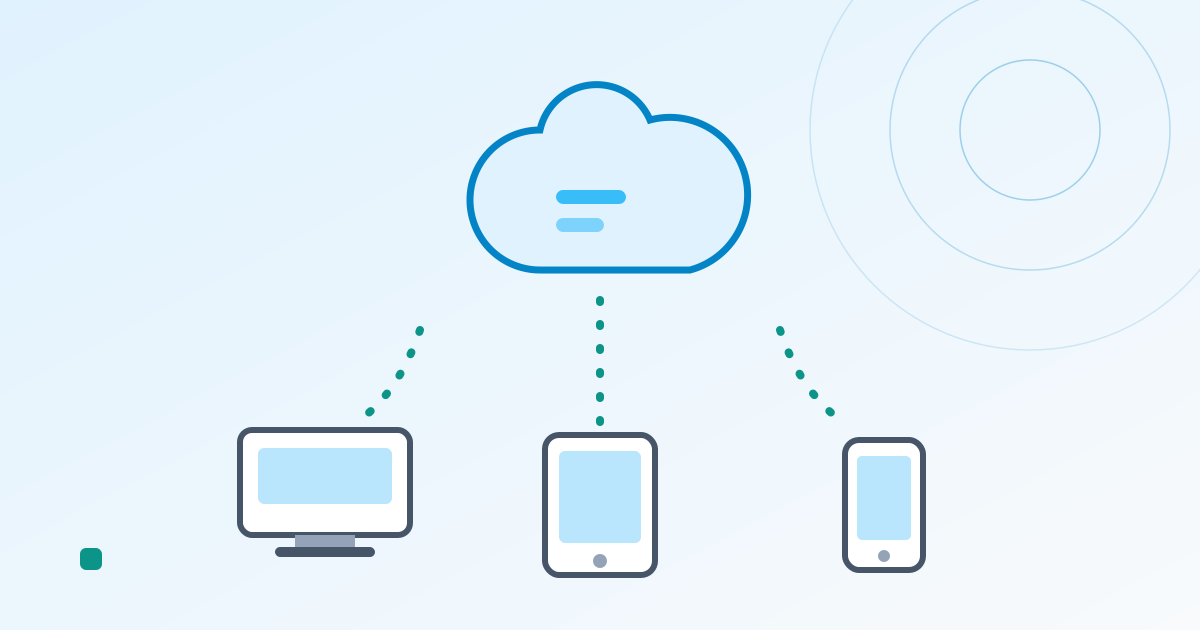
Cloud inventory management software is inventory software you use over the internet. Instead of buying a license and installing it on a server in your office, you sign up, pay monthly, and open it in a browser or a phone app. There’s little or nothing to pay up front, you can start the same day, and everyone — across sites and devices — looks at the same live stock numbers. For small and mid-sized businesses, it’s now simply how inventory software is done.
Below: how cloud differs from on-premise and from “a spreadsheet in Google Drive,” the genuine benefits, the drawbacks nobody puts on the landing page, and who each option suits.
Cloud vs. on-premise
Inventory software is delivered in two ways: cloud (SaaS) and on-premise (installed on your own servers).
| Cloud | On-premise | |
|---|---|---|
| Up-front cost | $0 to a few hundred dollars | Thousands to tens of thousands (servers, licenses, setup) |
| Ongoing cost | Monthly subscription | Annual maintenance, typically 15–20% of the license price |
| Time to start | Same day to a few days | Weeks to months |
| Where you can use it | Anywhere with internet | Usually inside the company network |
| Mobile use | Standard | Often needs extra work |
| Updates | Automatic | Your team installs them |
| Backups and upkeep | Handled by the provider | Handled by you (or a contractor) |
| Customization | Within the settings | Anything, for a price and a wait |
The one-line version: cloud is renting, on-premise is owning. Owning made sense when software only ran on office PCs. Today, for most small and mid-sized businesses, renting is the default.
“Isn’t that just a spreadsheet in the cloud?”
We get this one a lot. The difference is that a spreadsheet in the cloud is still just a table, while cloud inventory software is a system: you record a Stock In or Stock Out, and stock levels update themselves. Barcode scanning, a change history and low-stock alerts come built in — things that are painful or impossible to build reliably in a sheet. The limits of Excel inventory goes into more detail.
Five real benefits
1. Almost nothing up front, and you can start today
No server to buy, nothing to install. Create an account and you’re working. Free plans and trials mean you can try before you buy, which on-premise software rarely lets you do.
2. Works anywhere, including on your phone
The office laptop, a phone in the stockroom, a tablet at a trade show — all looking at the same data. Recording stock where it moves means fewer missed entries and less lag.
3. Everyone sees the same numbers, live
No more “who has the latest version?” or phoning the other site to ask what’s on the shelf. For managing stock across places, see location management.
4. Updates and backups aren’t your problem
Improvements roll out automatically, and the provider handles backups. The whole category of “the server’s acting up” and “we need budget approval for the upgrade” simply goes away.
5. You pay for the size you are
Move up or down a plan as your items and team change. The cost follows the business in both directions.
The drawbacks, honestly
- You need an internet connection. Warehouses with poor signal need Wi-Fi or mobile data where people record stock.
- The subscription never stops. Over many years the total adds up. Then again, on-premise has maintenance and replacement costs too, so it’s not a simple comparison.
- Customization has limits. If your process is truly unusual, on-premise can be bent further.
- You depend on the provider. Which is exactly why you should check whether you can export your data to CSV, and what permissions and encryption are in place, before choosing.
Who should choose which
Cloud is a good fit if:
- You’re a small or mid-sized business that wants to start fast without a big up-front spend
- Several people or sites need to share stock
- Most recording happens on phones — on the floor, in the stockroom, out on the road
- You don’t have an IT person, or they have better things to do than babysit a server
Consider on-premise if:
- You need deep, custom integration with core systems
- Company rules or contracts forbid storing data off-site
- You’ll have hundreds of users and the license total works out well below years of subscriptions
For everyday inventory at a small or mid-sized business, starting with cloud is the standard choice in 2026. For picking a specific product, see how to choose inventory management software; for budgets, how much inventory management software costs.
KuraPro, a cloud inventory system
KuraPro is cloud inventory software built around the benefits above.
- Web, iOS and Android, with barcode scanning through the phone camera
- Real-time sharing across team members and sites, with per-member permissions → Managing members
- Lot, expiry and location tracking, stock alerts and ABC analysis
- CSV and Excel import and export, so your data can always live on your own computer too
- Start on the free plan (50 items, 1 user, 1 site) and move to paid plans from $29/month with your data intact
→ What you can do with KuraPro
FAQ
What is cloud inventory management software?
Inventory software you use over the internet on a subscription, with no server of your own. You use it in a browser or phone app, and your whole team sees the same stock in real time.
Cloud or on-premise?
For small and mid-sized businesses, cloud nearly every time. On-premise fits special cases like heavy custom integration or rules against storing data off-site.
Is it secure?
A specialist provider handles encryption, backups and patching, which is often safer than doing it in-house. Check permissions, encryption and data export when you compare.
Does it work offline?
It needs a connection. Make sure there’s Wi-Fi or mobile signal where stock is recorded.
Summary
- Cloud inventory software is used over the internet on a subscription, and it’s now the mainstream option.
- Versus on-premise, it’s renting vs. owning: far lower up-front cost, faster start, no upkeep.
- The five benefits: low cost, same-day start, works anywhere, live sharing, no maintenance.
- The catches: needs internet, ongoing subscription, limited customization, dependence on the provider — so always check CSV export.
- For most small and mid-sized businesses, start with cloud.
KuraPro’s free plan lets you see what cloud inventory feels like, starting today.